
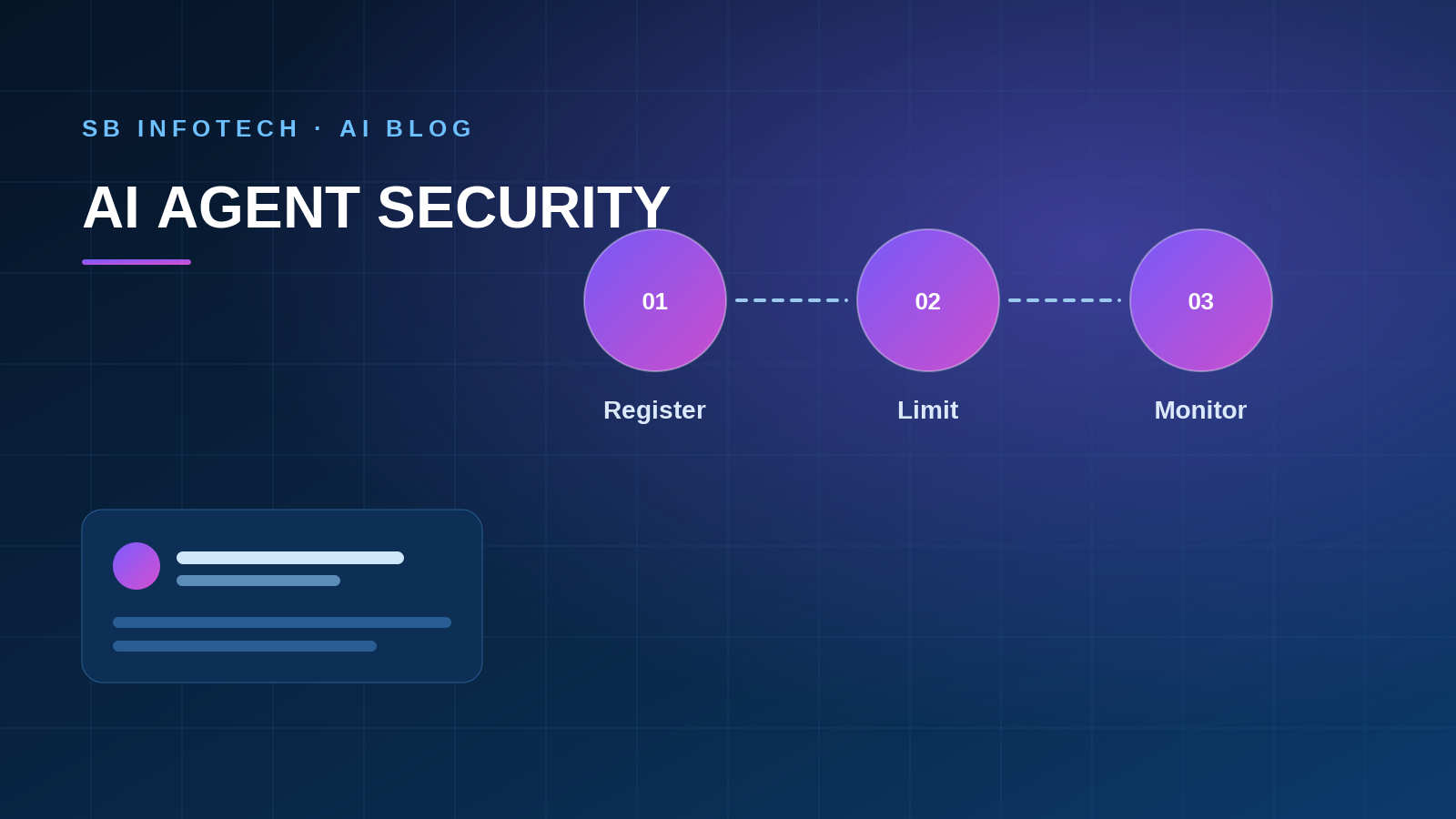
Adoption is moving faster than control
AI agents now answer customer calls, reply on WhatsApp, update CRMs and prepare reports. That speed is great for business, but in November 2026 a ServiceNow study reported that 92% of Indian organisations had faced at least one AI agent security incident in the past year. The same study said only a small share of companies have one clear view of all the agents running inside their business, and many found agents working in production that their IT team did not even know about.
The message is simple: the problem is usually not the AI model. It is agents that were set up quickly, given too much access and never reviewed again.
What usually goes wrong
An agent is connected with an admin-level API key when it only needed read access.
Nobody owns the agent after the person who built it moves on.
The agent can send emails, refunds or messages to customers without any approval step.
Conversation logs are not stored, so mistakes cannot be investigated.
Customer data is pasted into tools that were never approved by the business.
A practical checklist for every AI agent
1. Register it
Keep one simple list of every agent: what it does, which systems it touches, which keys it uses and who owns it. If an agent is not on the list, it should not be running.
2. Give the least access possible
An enquiry bot needs to create leads, not delete them. A reporting agent needs to read data, not change it. Separate keys per agent make it easy to switch one off without breaking others.
3. Put a human in the loop for risky actions
Payments, refunds, discounts, legal or medical answers and bulk messages should wait for a person to approve. The agent can prepare the work; a human presses the final button.
4. Log and review
Store every conversation and every action the agent takes. Review a sample every week in the beginning. Logs are also your proof if a customer complains.
5. Test it like an attacker
Try to trick your own agent: ask it to ignore its rules, reveal other customers' data or give unauthorised discounts. Fix what you find before customers find it.
6. Plan the off switch
Every agent needs a quick way to pause it and hand conversations to a human, for example during an outage, a wrong price or a sudden spike in complaints.
How SB Infotech builds agents
When we build voice, WhatsApp, website chat or back-office agents, we start with limited permissions, approval steps for sensitive actions, full conversation logs in the admin panel and a clear human handoff. That way the agent saves time without putting your customers or your data at risk.
If you already have agents running and are not sure what they can access, we can review them and suggest a safe setup.
Let's build the right solution.
Every business has its own processes, customer expectations and integration requirements. Let's discuss what will work for yours.
Discuss your project ↗